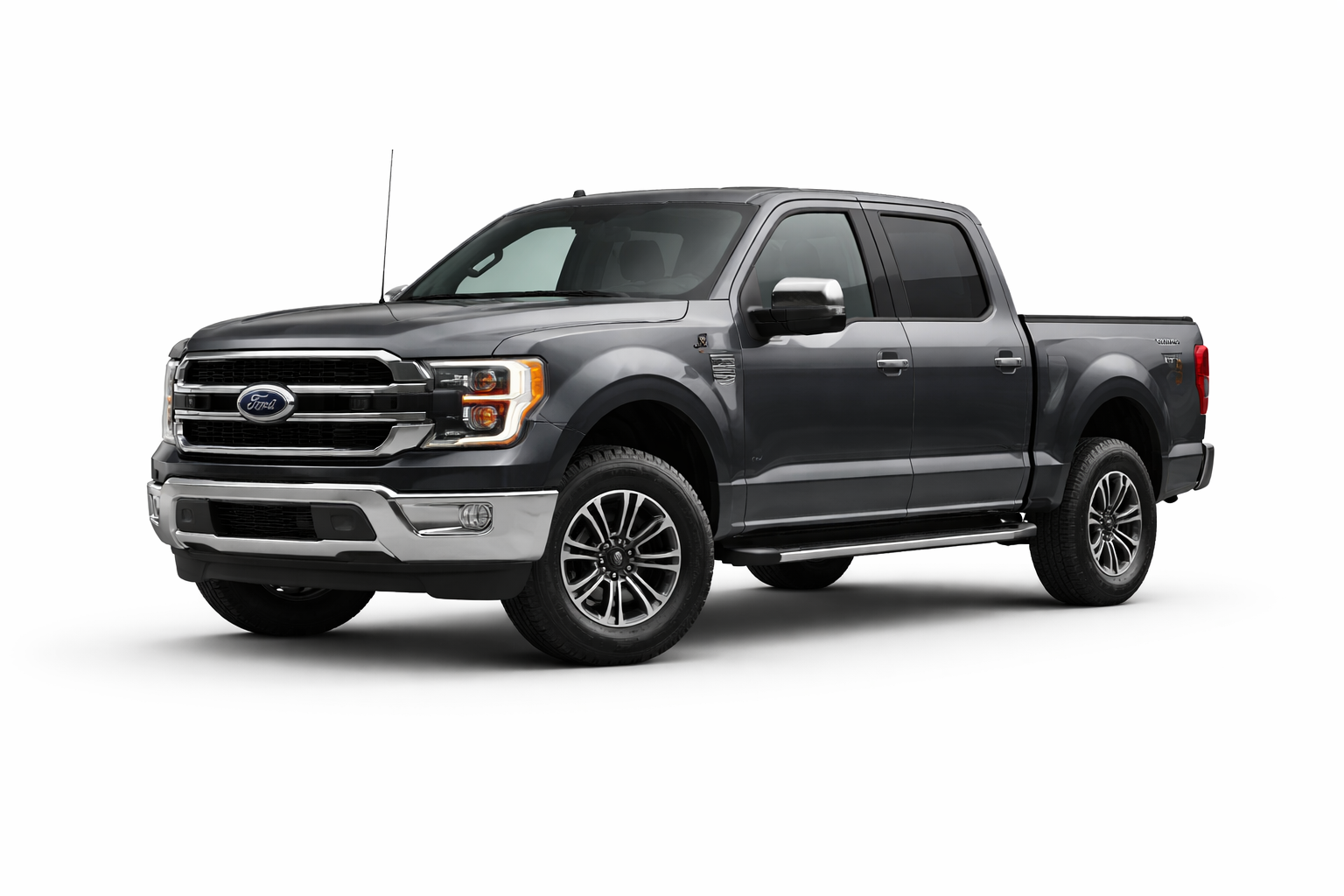
Custom Digital Bill of Sale

Create a Custom Bill of Sale

Build a transaction-grade Bill of Sale tailored to the exact asset being sold, including asset-specific details, buyer and seller information, disclosures, and digital signatures.

Step 1 of 2
50%
Only complete the fields relevant to your transaction. Some fields may not apply depending on the asset type.

Asset Identification

Select the correct asset family and subtype so PonyUp can generate the right Bill of Sale fields and PDF language.

Choose the closest match for the asset being sold.

Seller (Legal Owner)

Enter the seller’s full legal information as it appears on ownership, title, registration, or sale documents where applicable.

Buyer (Purchaser)

Enter the buyer’s legal contact information so both parties have a clear private-sale record.

Transfer Details

These terms help document what was sold, when it was sold, and how the transaction was completed.

Condition & Disclosures

Use this section to document condition, included accessories, known issues, title/lien facts, and anything that could affect value or use.

The buyer accepts the asset in its present condition unless otherwise stated in this record.

Ownership Representations

These acknowledgments help make the record clearer and more protective for both parties.

The seller affirms they have the right to sell and transfer this asset.
Both parties confirm the information entered in this record is accurate to the best of their knowledge.
Both parties consent to digital signatures and emailed copies of the final Bill of Sale.